Format
SQLite
A single, well-documented database file — readable by any SQLite tool, not a proprietary format you need Katsumii to open.
 Katsumii.
Local & offline
Katsumii is a desktop application, not a hosted service. Your trades, notes and screenshots are written to a SQLite file on your own machine — there is no journal account to create, no server holding your history, and nothing to lose access to if a subscription lapses.
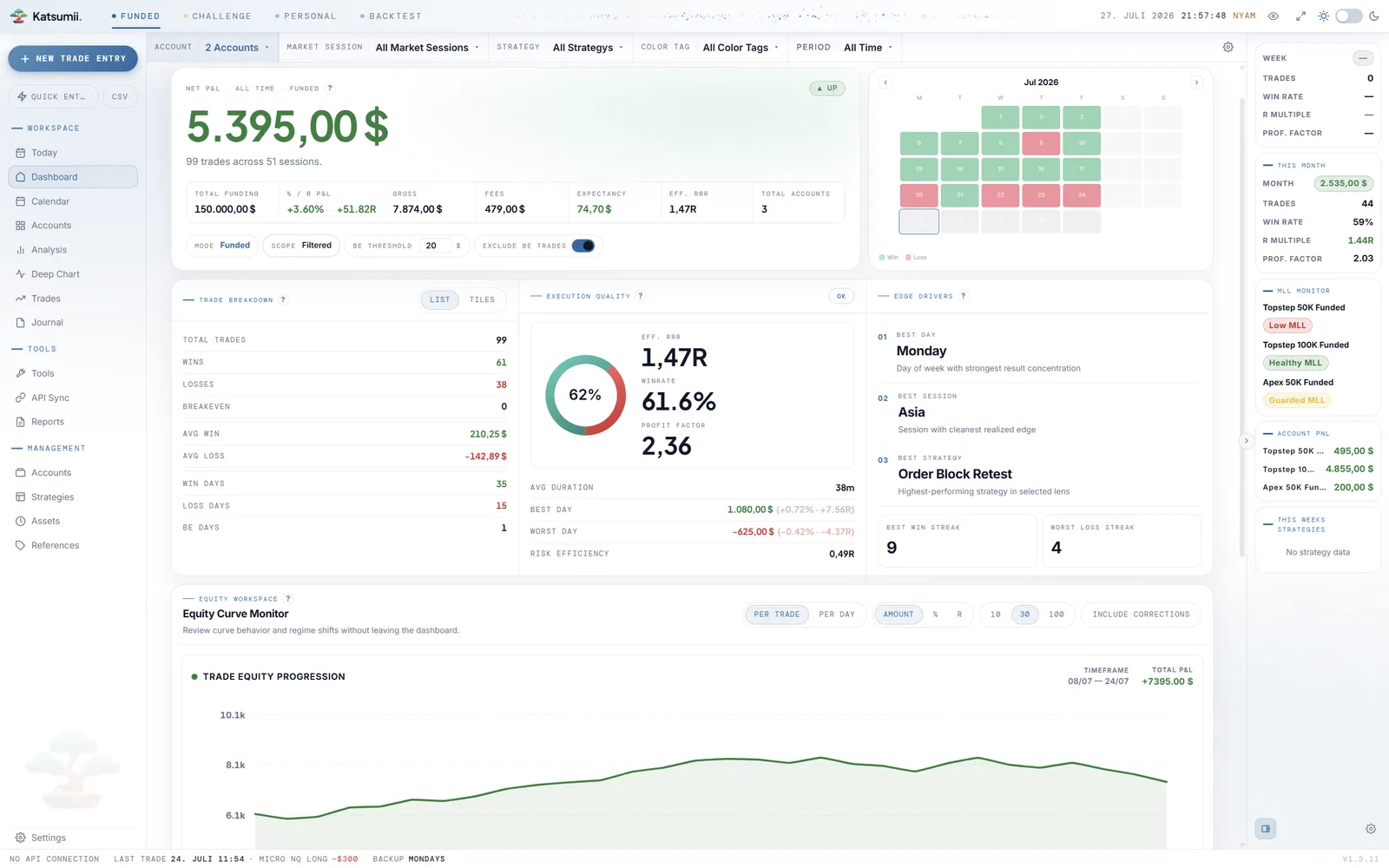
Where the data sits
Every mode — Funded, Challenge, Personal and Backtest — writes into the same local database, in separate tables. You can copy it to a USB stick, drop it in your own cloud folder, or keep it on an air-gapped machine. Katsumii never needs to see it.
Format
SQLite
A single, well-documented database file — readable by any SQLite tool, not a proprietary format you need Katsumii to open.
Location
Your disk
Written to your user folder. Move it, sync it through a folder you already trust, or keep it on an external drive.
Screenshots
Alongside
Trade and setup screenshots are stored as ordinary image files next to the database, not uploaded anywhere.
Account
None
No sign-up, no journal login, no password reset. The application starts and your data is simply there.
What touches the network
"Local-first" is a claim worth spelling out. Here is every part of Katsumii that can reach the internet, and what it sends. Your trade history is not in this list — and each of these keeps working, or fails quietly, when you are offline.
Validates your licence key. Sends the key and nothing about your trades. Separate from where the journal is stored.
Asks whether a newer version exists. You can ignore it indefinitely — the version you installed keeps working.
Off until you connect an account, and silent until you press Sync now — it pulls your fills into the local database on that click, never in the background. Credentials stay on your machine.
Trades, notes, journal entries, screenshots and statistics are never transmitted. There is no endpoint that receives them.
Backups
The honest trade-off of owning your data is that no one else is holding a copy. The paid licences close that gap for you: a background task writes snapshots beside your database on the schedule you choose, and you can export a full copy by hand whenever you want.
Snapshots protect against corruption and mistakes — not against a lost laptop. Keep one copy somewhere else; the file is small enough to fit anywhere.
On the paid licences, a background task copies the database on your chosen schedule — weekly, monthly, or both — and keeps as many copies as you tell it to.
Take a full copy whenever you want — before an update, at the end of a month, or ahead of a machine move.
Recovery is a file copy. Put the database back where it belongs and the application picks it up on the next start.
Buy the licence once, keep the journal for as long as you keep the file.