
Analytics & Reviews
Find your edge. Keep it.
Logging trades is the easy part. Katsumii turns that log into answers: which setups pay, which sessions bleed, where your sizing breaks down — across every account, mode and backtest, without a single spreadsheet.
- Execution quality
- Edge drivers
- Diagnostics lab
- Offline reports (Pro)
Dashboard
One calm screen that carries the whole story.
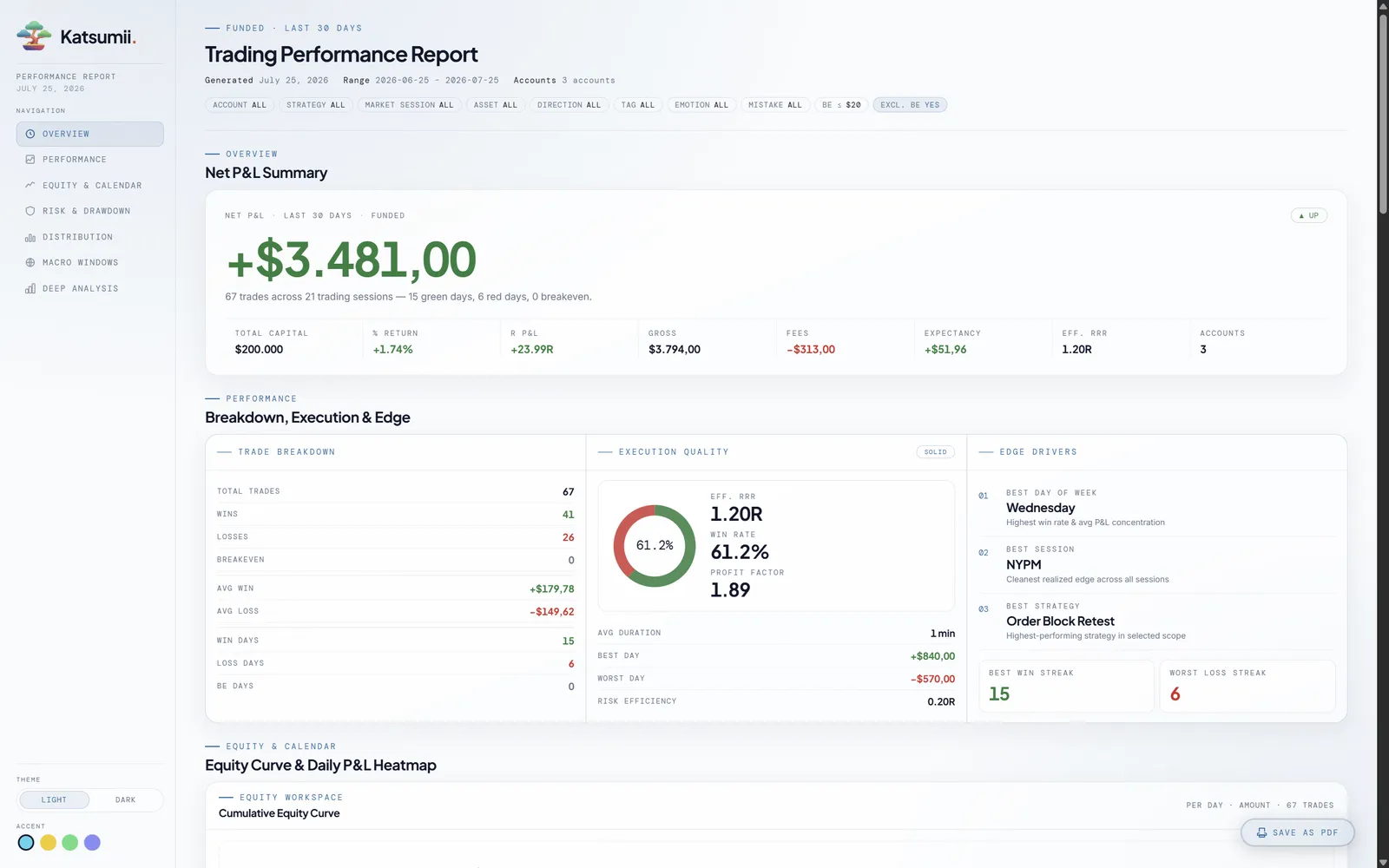
Net P&L up front, and everything that explains it right behind: gross versus fees, expectancy, effective R:R and a full trade breakdown — scoped to the mode, accounts and date range you're actually asking about.
Net P&L hero
The number that matters — with funding size, gross vs. fees, expectancy and effective R:R right behind it.
Execution quality
Winrate donut, effective R:R, profit factor, risk efficiency and average duration — condensed into one quality grade.
Edge drivers
Best day, best session, best strategy plus your win and loss streaks — the patterns behind the P&L.
Equity curve monitor
Per trade or per day, in amount, percent or R — last 10, 30 or 100, with corrections included if you want.
Daily rhythm
A mini win/loss calendar and a daily P&L heatmap show your consistency at a glance, month by month.
Analysis lab
A diagnostics lab for your trading, not just charts.
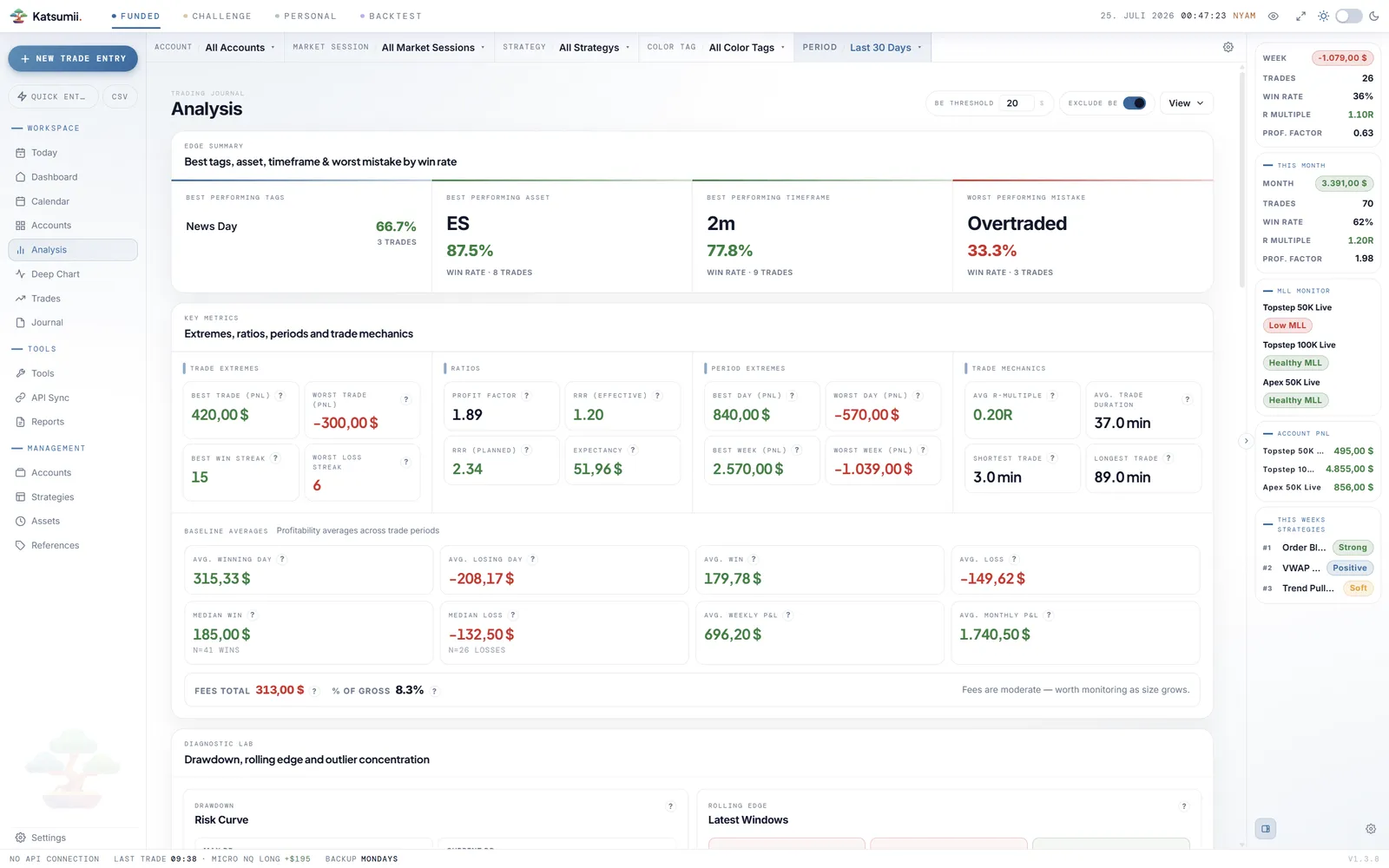
The Analysis screen goes where dashboards stop. Trade extremes and period extremes, the ratios and mechanics behind them, baseline averages down to your median win and loss, and what fees really cost you against gross — then a diagnostics lab that stress-tests the whole picture. Every panel closes with a plain-English verdict, so "Sharpe 1.8" also tells you what it means.
A configurable BE threshold treats near-zero trades as breakeven, so a handful of scratches doesn't distort your win rate — include or exclude them with one toggle.
Edge summary
Best tags, best asset, best timeframe and your most expensive mistake — before any digging.
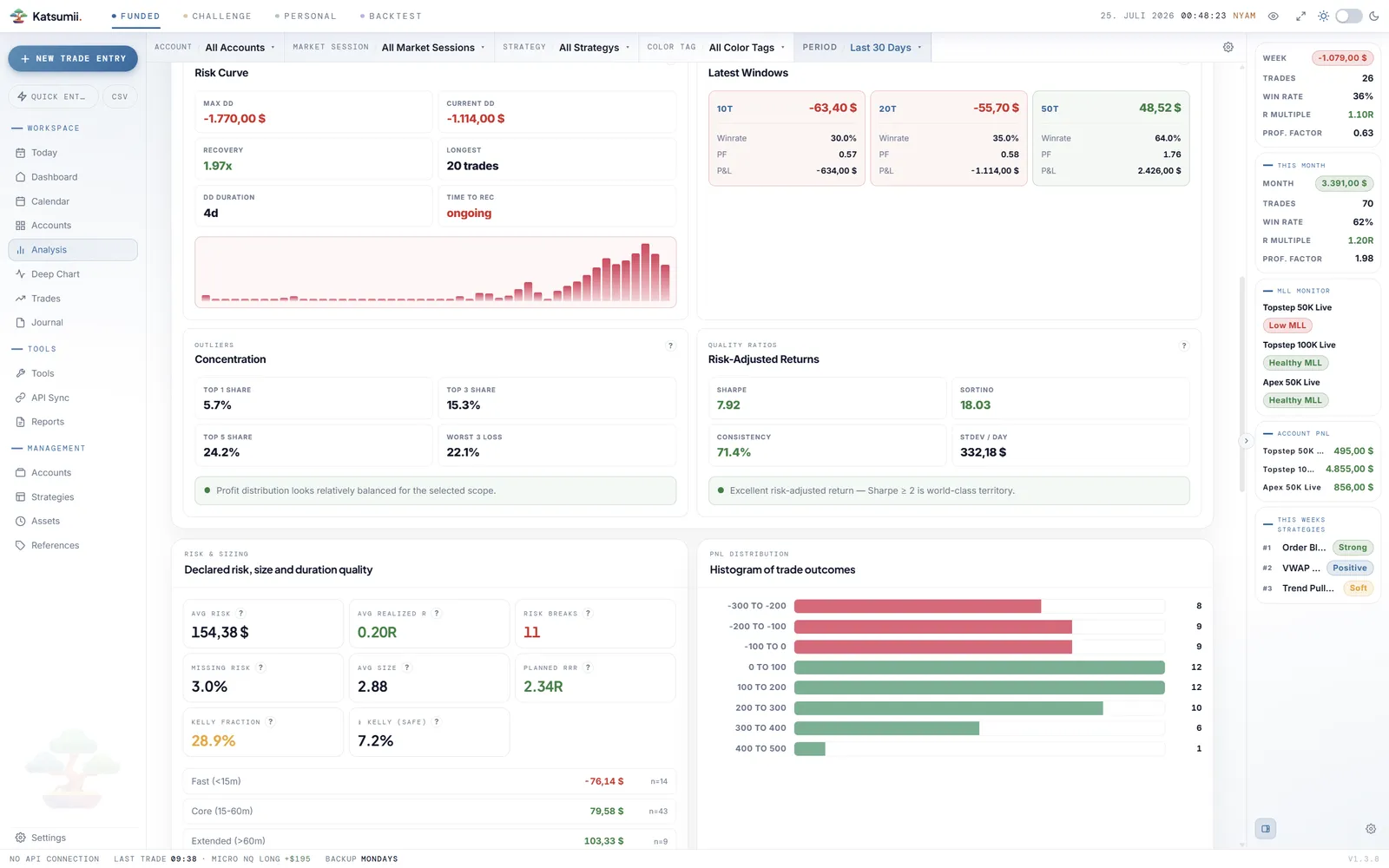
Drawdown risk curve
Max and current drawdown, recovery factor, longest streak and time to recover — your pain, quantified.
Rolling edge
Winrate, profit factor and P&L over your last 10, 20 and 50 trades — is the edge growing or fading right now?
Outliers & quality ratios
Top-trade concentration shows if a few outliers carry you; Sharpe, Sortino and consistency grade the rest.
Risk & sizing
Declared vs. missing risk, realized R against planned R:R, risk breaks and a Kelly fraction for sane sizing.
P&L distribution
The shape of your results, bucket by bucket — how much of your edge lives in a handful of trades.
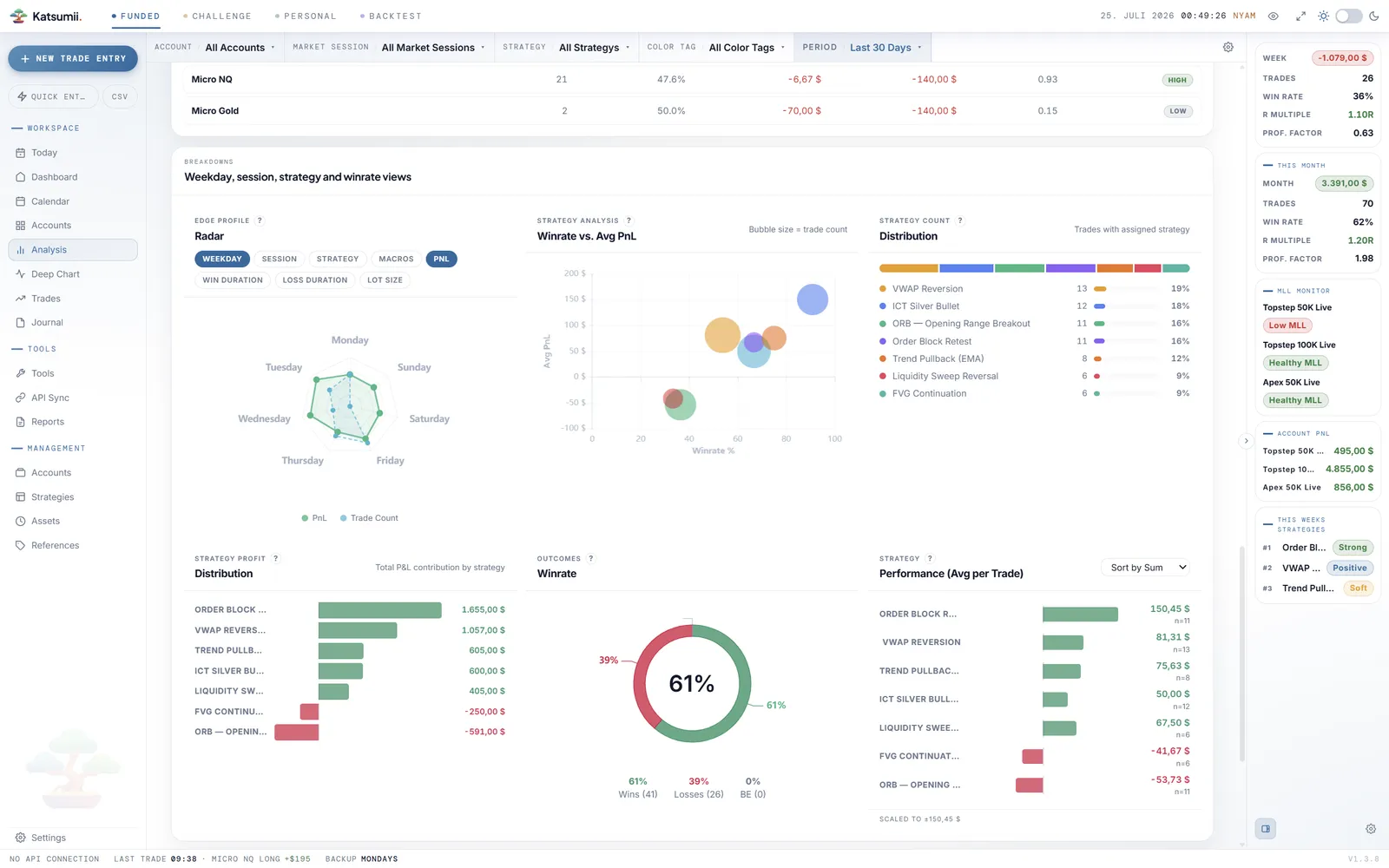
Deep breakdowns
Slice performance by anything you tag.
Every stat in Katsumii obeys the global filter bar. Combine dimensions freely — "London session shorts on NQ, tagged FOMO, last quarter" is one filter away, and every dashboard, breakdown and report answers for exactly that slice. The edge profile radar overlays average P&L against trade count across weekdays, sessions, strategies, durations and lot size, and strategy bubble charts plot winrate against average P&L — bubble size is trade count, so thin samples can't fool you.
- Account
- Strategy
- Asset
- Timeframe
- Direction
- Market session
- Tag
- Emotion
- Mistake
- Color tag
- Closed by
- Scaled trades
- What-if outcome
- Date range
Numbers, your way
Read P&L in the language you think in.
Some traders think in percent, some in R-multiples, some want both next to every dollar figure. Katsumii renders P&L across the entire app the way you actually reason about risk — and the quick-stats bar keeps win rate, R and profit factor one glance away, or out of sight entirely.
PnL extra info
Percentages, R-multiples or both — shown next to every P&L value across the entire app.
Quick-stats bar
The at-a-glance strip with P&L, WR, R and PF — visible when you want feedback, hidden when you don't.
Reviews & reports
Review in rhythm, report with one click.
The calendar grades every day by outcome, with weekly and monthly summaries in the margins and journal markers where you wrote. When it's time to share or archive, the Professional licence generates a self-contained HTML performance report — equity curve, heatmap, breakdowns and key metrics in one file that opens anywhere, no server, no upload.
Calendar review
Color-graded days with trade counts, weekly P&L summaries and day modals with full trade context.
Journal markers
Days with journal entries are marked on the calendar — your notes stay attached to the numbers.
HTML report
Self-contained offline performance report with equity curve, heatmap, breakdowns and a dark/light toggle.
Important context
Built to explain your results, not predict them.
Analytics describe your recorded trading history; they are documentation and review aids, not trading advice or signals.
Metrics depend on the data you enter — fees, corrections and BE settings change how results are displayed.
Past performance patterns do not guarantee future outcomes; no statistic can prevent losses.
Know your numbers.
The market doesn't remember your trades. Katsumii does — and tells you what they mean.