
Customization
Your journal. Your rules.
No two traders read the market the same way — so no two cockpits should look the same. Katsumii lets you hide what distracts, color what matters and tune every surface until the app disappears behind your process.
- Focus mode
- Per-mode accent colors
- Light & dark backgrounds
- Three dark tones, two light
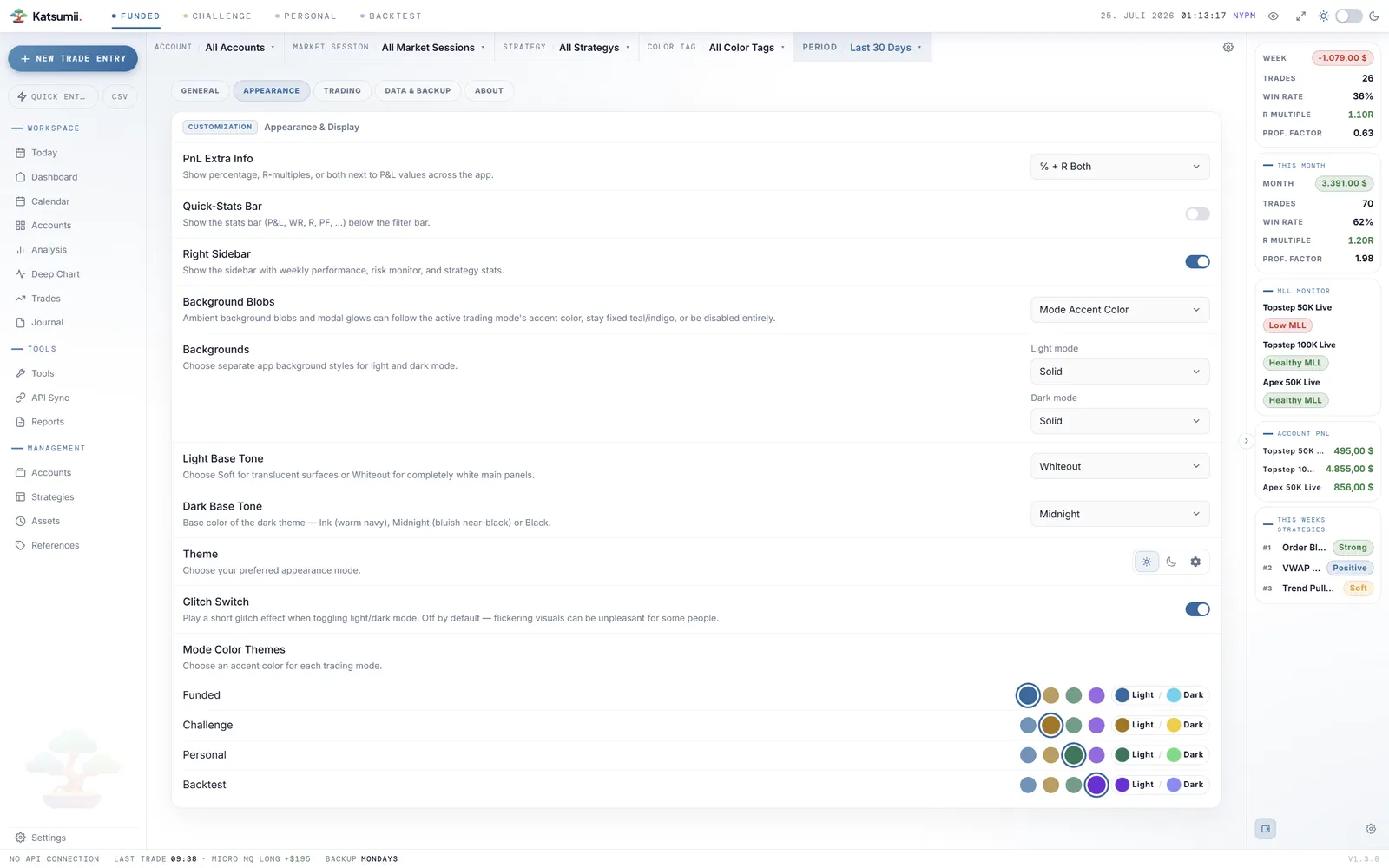
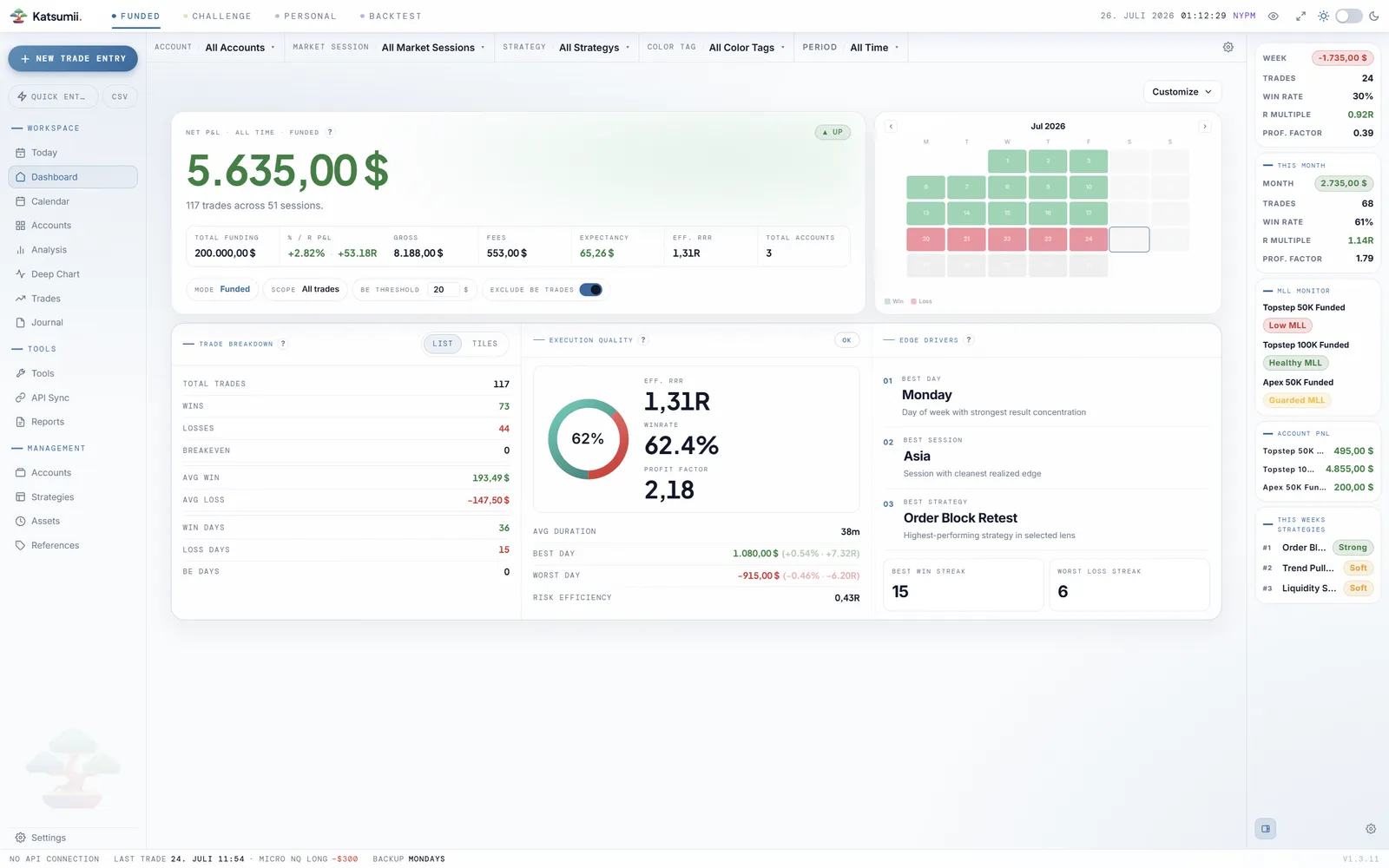
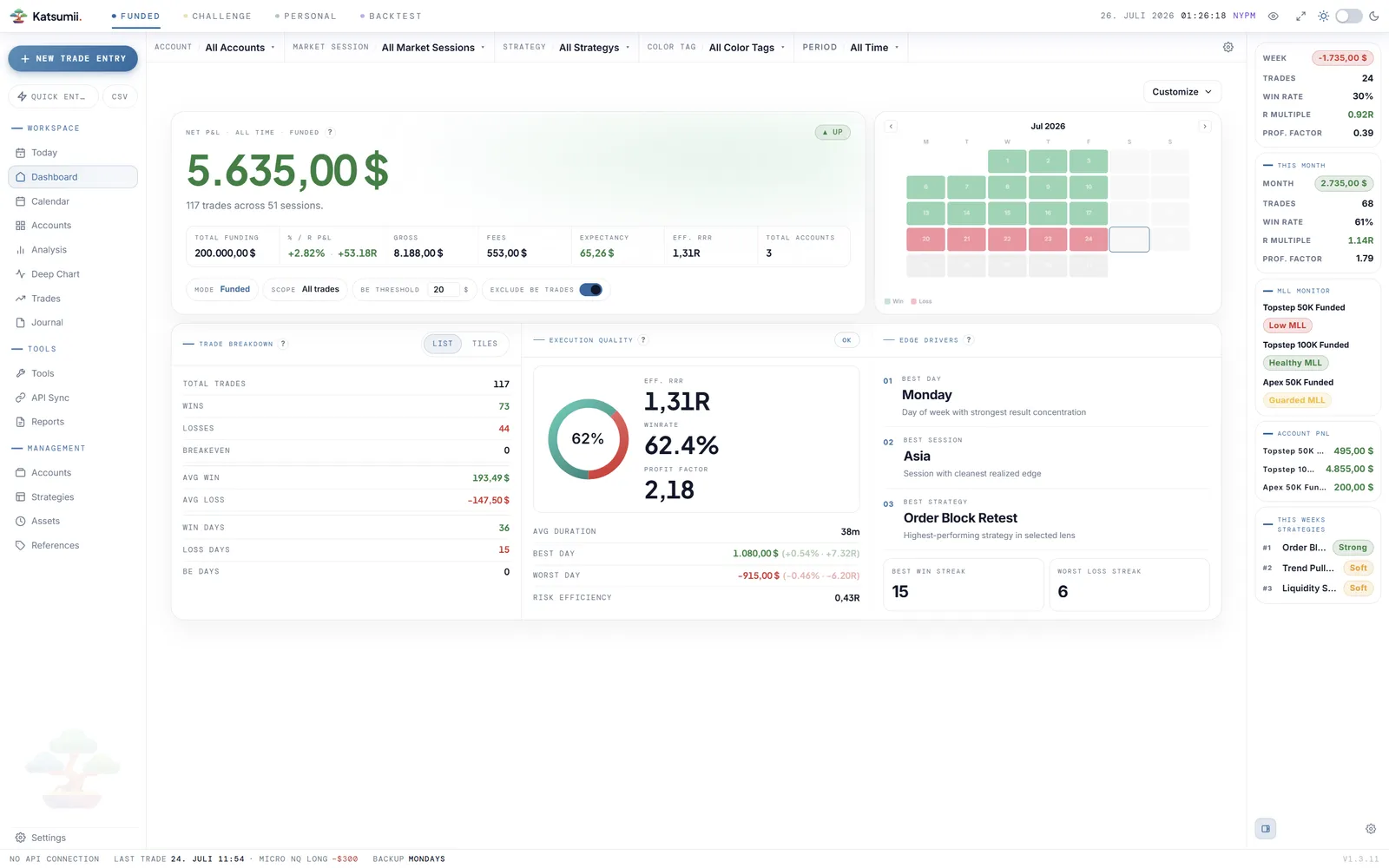
Focus mode
Show only what earns its place on screen.
Every panel in Katsumii can step aside. Strip the interface down to the essentials on execution days, bring the full instrument board back for deep reviews — the app follows your attention, not the other way around.
Try it — the screenshot follows your choice.
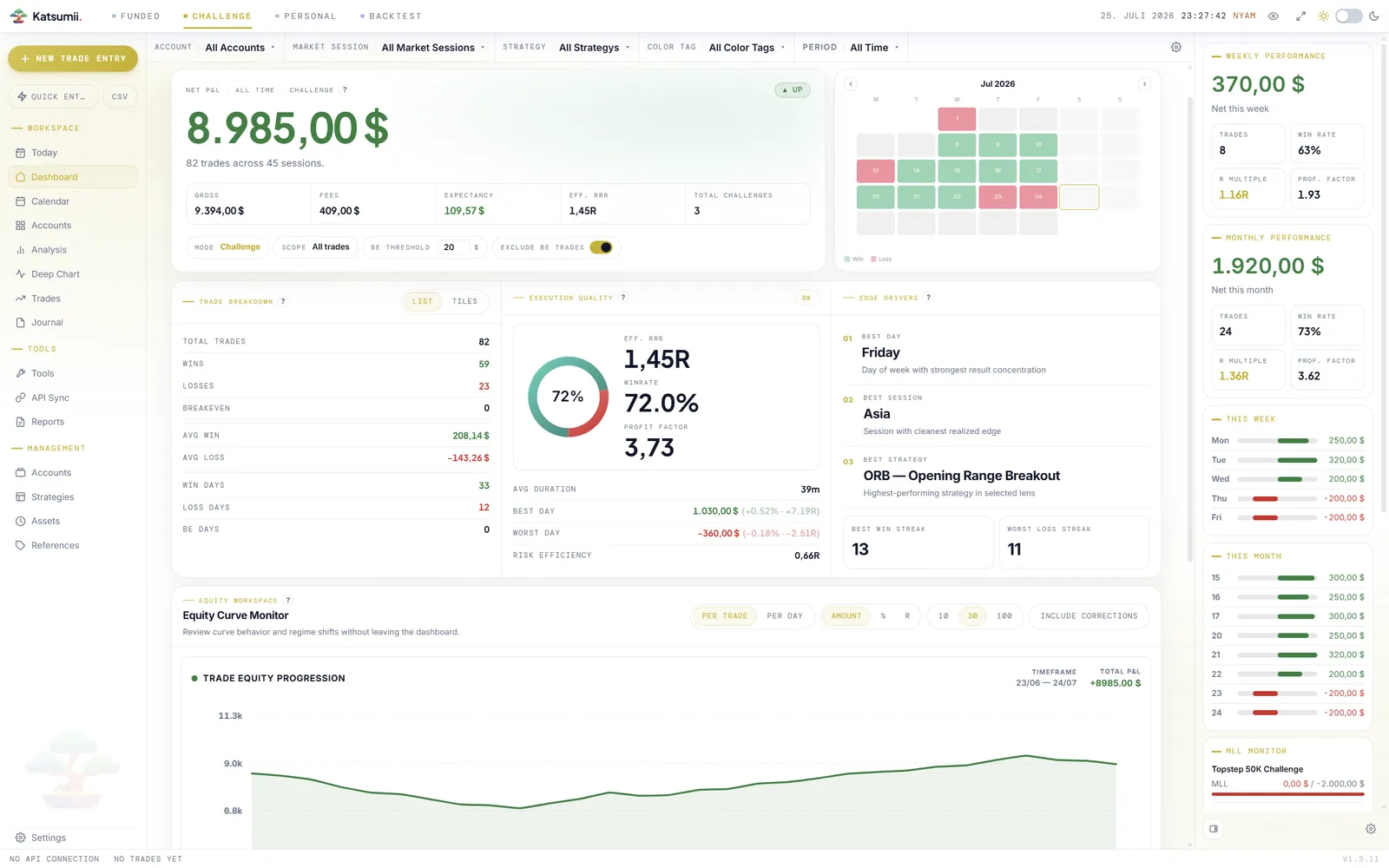
Mode color themes
Four disciplines, four colors — you pick them.
Funded, Challenge, Personal and Backtest each carry their own accent color, with separate shades for light and dark mode. Start from the curated presets or open the color picker and dial in any shade exactly to your taste. One glance at the screen and you know which capital is on the line — before you read a single number.
Turn on mode-dependent accents and the ambient background and modal glows follow the active trading mode too — the whole room changes with the stakes.
Presets or free color picker — every mode, tuned separately for light and dark.
Backgrounds & tone
A canvas for day sessions, another for the night.
Choose separate background styles for light and dark mode — flowing lines for one, a calm honeycomb for the other. Then set the base tone itself: Ink for warm navy, Midnight for bluish near-black or pure Black for OLED silence — and on the bright side, Soft paper or a clean Whiteout.
Background per theme
Pick a different app background for light and dark mode — each half of your day gets its own texture.
Base tone
Dark has three moods — warm navy, bluish near-black or true black. Light has two papers: Soft and Whiteout.
Theme
Follow the OS, or lock the cockpit to the side of the day you trade in.
Make it yours.
A journal you shaped yourself is a journal you actually open every day.